

Cloud Based Clinic Management Automated Patient Follow-Up Online Appointment & Reminders All in One Software in California
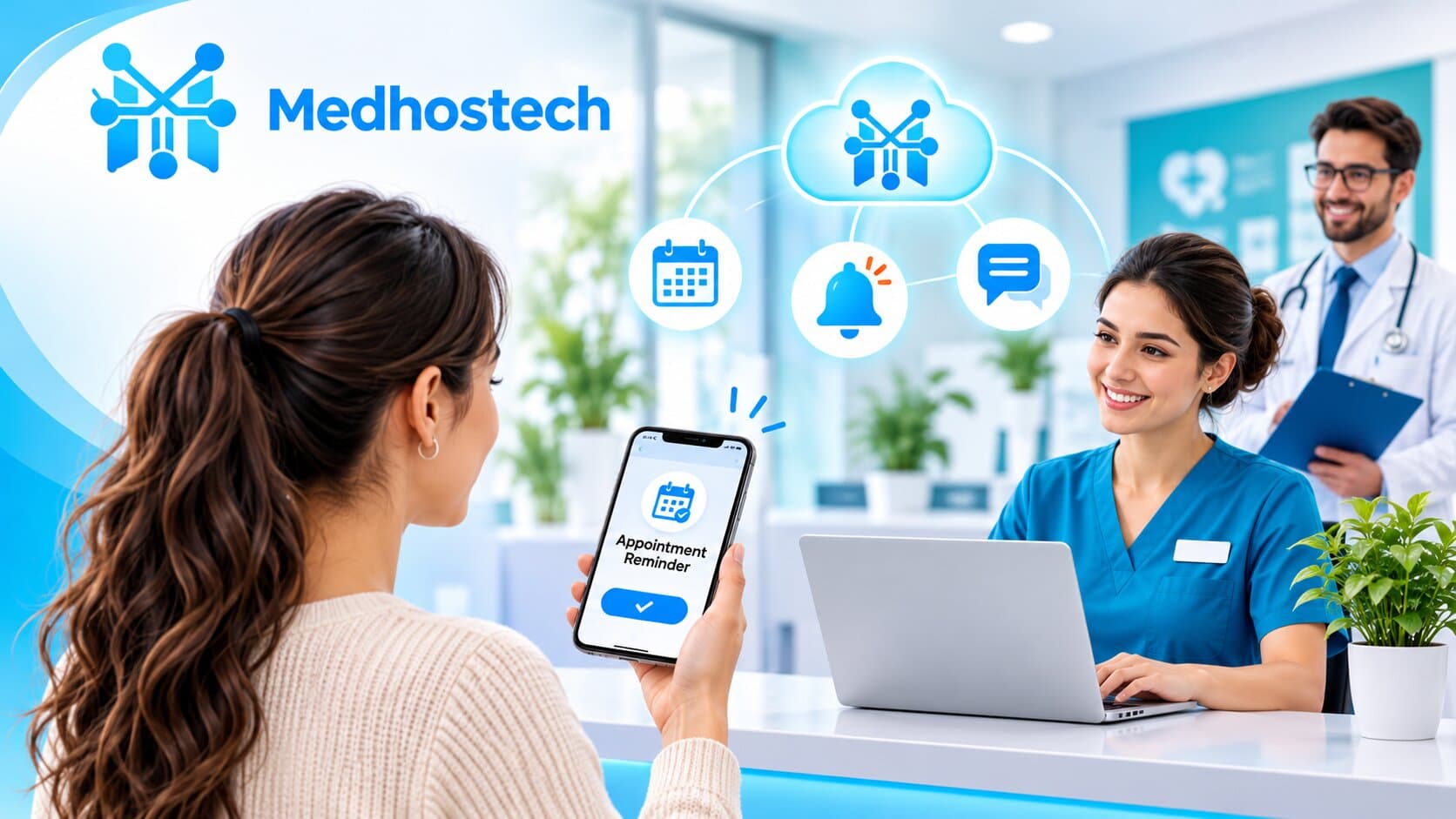
Discover how automated patient follow-up reminder software helps hospitals and clinics manage appointments, send timely reminders, improve patient communication, and streamline healthcare workflows.
Medhostech Editorial
Healthcare IT & software insights
How Automated Follow-Up Reminders Improve Patient Care and Appointment Adherence
Every healthcare practice knows the feeling: a full schedule in the morning, and by midday, two or three empty slots where patients simply didn’t show up. Behind each missed appointment is more than lost revenue. It’s a delayed diagnosis, an unmanaged chronic condition, or a recovery that quietly went off track.
The good news is that much of this problem is solvable. With cloud-based clinic management software a subscription-based SaaS model, Australian clinics can automate patient follow-ups and SMS appointment reminders without adding to front-desk workload. In this post, we look at why patients miss appointments, how automated reminders change the picture, and what to look for in a SaaS platform.
Why Appointment Adherence Matters
A missed appointment affects the whole care cycle:
Patient outcomes suffer. Skipped follow-ups can mean uncontrolled blood pressure, untreated infections, or missed screenings.
Clinical time is wasted. An empty slot can’t easily be refilled on short notice, so provider capacity goes unused.
Revenue takes a hit. For small and mid-sized practices, repeated no-shows add up to a real financial strain.
Staff burn out. Manually calling patients to confirm or reschedule is time-consuming and often unproductive.
Most patients don’t skip appointments out of disregard. They forget, get confused about the date, face transportation or work conflicts, or simply don’t know how to reschedule. Each of these is a communication problem, and communication is exactly what automation does well.
What Automated Follow-Up Reminders Actually Do
Automated reminders are messages sent to patients at set points before and after a visit, triggered by the practice’s scheduling system rather than by a staff member picking up the phone. Typical examples include:
Appointment confirmations sent immediately after booking
Upcoming-visit reminders via SMS, email, or app notification, usually a few days and again a day before
Preparation instructions, such as fasting requirements, documents to bring, or pre-visit forms
Easy confirm, cancel or reschedule options built into the message
Post-visit follow-ups, including care instructions, medication reminders, and prompts to book the next appointment
Recall reminders for annual check-ups, vaccinations, and routine screenings
Because these messages run in the background, nothing depends on someone remembering to send them.
Five Ways Automation Improves Patient Care
1. Fewer no-shows, more completed visits
Timely reminders give patients a gentle nudge when they need it. When the message also lets them reschedule in a couple of taps, a potential no-show becomes a rebooked appointment and the provider can often fill the freed slot.
2. Better continuity of care
Follow-up care is where many treatment plans succeed or fail. Automated post-visit messages keep patients engaged between appointments, reinforcing instructions and prompting them to return for monitoring or lab work.
3. Stronger patient engagement
Patients today expect the same convenience from their healthcare provider that they get from banks and retailers. Clear, well-timed, personalised messages signal that the practice is organised and attentive, which builds trust.
4. Less administrative burden
When reminders, confirmations, and recalls run automatically, front-desk teams can spend their time on patients who are physically present or who need a personal conversation, rather than working through call lists.
5. Better visibility for providers
A good platform shows who confirmed, who didn’t respond, and who cancelled. That lets staff focus outreach on higher-risk appointments and spot patterns, such as particular time slots or visit types with higher no-show rates.
Why Cloud-Based, Subscription Software Is the Right Fit
Many practices once relied on on-premise systems that required servers, IT maintenance, and costly upgrades. A SaaS model changes that equation:
Fast to start. There’s no hardware to install. Practices can be up and running quickly through a web browser.
Predictable costs. A subscription replaces large upfront investments, which suits clinics and groups of every size.
Always up to date. Features, security patches, and compliance updates are delivered automatically.
Accessible anywhere. Staff can manage schedules and communications from the clinic, from home, or between locations.
Scalable. As a practice adds providers, locations, or patients, the platform grows with it.
Integrated. Scheduling, patient records, billing, and communication can live in one system rather than being stitched together from separate tools.
What to Look for in a Reminder and Follow-Up Solution
Not all platforms are equal. When evaluating healthcare software, practices should consider:
Multi-channel messaging. Patients differ in how they prefer to be reached, so look for SMS, email, and app or portal notifications.
Customisable timing and templates. Different appointment types call for different reminder schedules and wording.
Two-way interaction. Patients should be able to confirm, cancel, or reschedule directly from the message.
Integration with scheduling and records. Reminders should be driven by real appointment data, not manual lists.
Security and privacy compliance. Patient communication must align with the Privacy Act 1988 and the Australian Privacy Principles (plus any state or territory health records laws), ideally with Australian-hosted data and a clear data breach process.
Reporting and analytics. You can’t improve what you can’t measure. Look for dashboards that track confirmation rates, no-shows, and recall completion.
Language and accessibility support. Messages that patients can easily read and understand lead to better adherence.
Frequently Asked Questions
What is cloud-based practice management software?
It is practice management software that runs over the internet on a subscription basis (SaaS) rather than on a server in your clinic. Staff log in through a browser or app to manage appointments, patient records, billing, and patient communication, and the provider handles hosting, backups, and updates.
How do automated appointment reminders reduce no-shows and DNAs?
Most patients miss appointments because they forget, not because they don’t care. Automated SMS and email reminders, sent straight from your booking system, prompt patients at the right time and let them confirm or reschedule in a tap. In the Royal Children’s Hospital study above, the failure-to-attend rate fell from 19.5% to 9.8%.
Which Australian practices can use automated patient follow-ups?
Any appointment-based service: GP clinics and medical centres, allied health (physiotherapy, psychology, occupational therapy), dental practices, specialist rooms, and day surgeries. Reminder rules can be set per appointment type, such as a longer-lead reminder for a new-patient consult or a fasting instruction for a procedure.
Is cloud-based healthcare software safe under the Privacy Act 1988?
Health information is sensitive information under the Privacy Act 1988, and practices must handle it in line with the Australian Privacy Principles (APPs). Some states and territories, such as Victoria and New South Wales, also have their own health records laws. When choosing a provider, ask where patient data is stored (many practices prefer Australian-hosted data), how it is encrypted and backed up, and what happens under the Notifiable Data Breaches scheme if something goes wrong. This is general information, not legal advice, so check your obligations with your own advisers.
Does it need to connect with Medicare Online and My Health Record?
If your practice bills Medicare or contributes to My Health Record, confirm exactly how a reminder platform fits alongside the systems you already use. The Australian Digital Health Agency publishes software standards for practice management systems that are a useful checklist when you talk to vendors.
When should reminders be sent?
There is no single rule, so test and adjust. A common approach is an initial reminder a few days before the visit, and a second one closer to the time (the day before or the morning of). Use your booking data to see which timing and wording gets the most confirmations.
What if a patient doesn’t have a mobile phone or prefers a call?
A good platform lets patients choose their channel (SMS, email, or app notification) and lets staff flag patients for a phone call instead. Automation should handle the routine majority so your team can spend time on patients who need a personal touch.
What does a subscription cost, and how long does set-up take?
Pricing varies by provider, and is commonly based on the number of practitioners, sites, or features, with SMS charges sometimes billed separately. Ask for a clear quote that covers messaging, support, and any onboarding or data migration. Because there is no on-site hardware, cloud set-up is typically much quicker than installing a server-based system.
Bringing It All Together
Automated follow-up reminders are one of the simplest, highest-impact improvements a healthcare practice can make. They reduce missed appointments, keep patients connected to their care plans, and free up staff to focus on what matters most: people.
At Medhostech, we believe healthcare software should make the daily work of providers easier while helping patients stay on the path to better health. A cloud-based platform that combines scheduling, communication, and follow-up automation gives practices a practical way to do exactly that, without the burden of managing infrastructure.
Ready to see how automated reminders and patient follow-ups could work for your practice? Get in touch with the Medhostech team to learn more or Request A Demo.